- booking into stock a duplicate sent item (mispick) – so it does not refund just updates stock
Navigate to the Order and press “Create RMA”
When creating an RMA, press “Add Product” button and search for an add the exact product to be returned for £0

Once added, go to the “Received” tab and press “Return” against the Product line,

Ensure Return Line Prices are set to 0 and then press save

Then on the Goods Received Tab enter the Goodwill to be given back to the Customer, in this case Return postage costs and then press Goods Received.

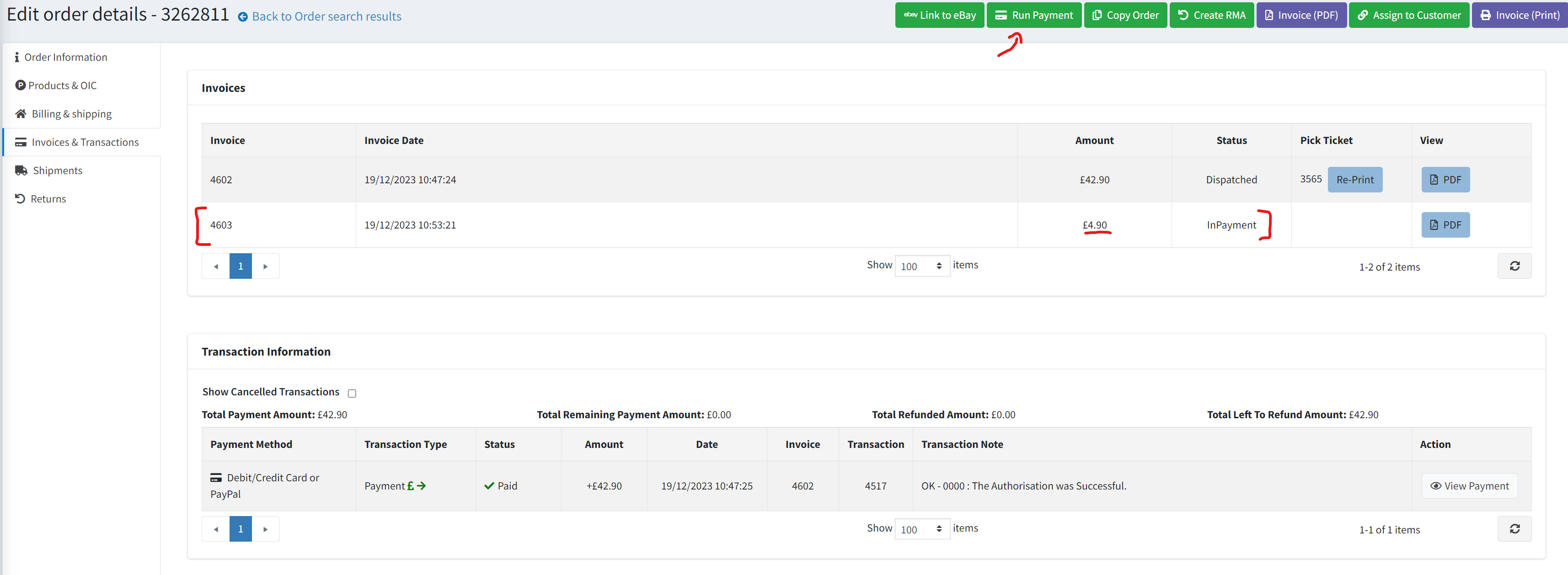
Finally press “Confirm” against the RMA and then on the Order you can see the amount to be refunded before pressing “Run Payment” to issue the postage charge back to the Customer.