Handling Order Notes
On Order Load the Order Note is linked to the Order and validated.
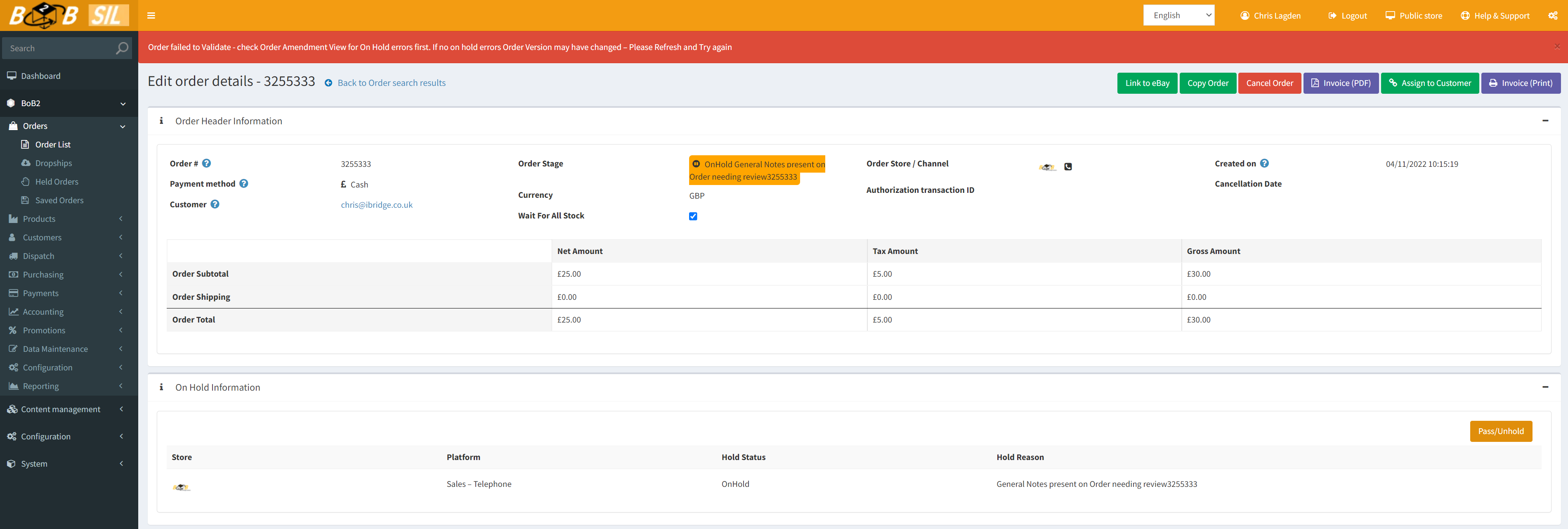
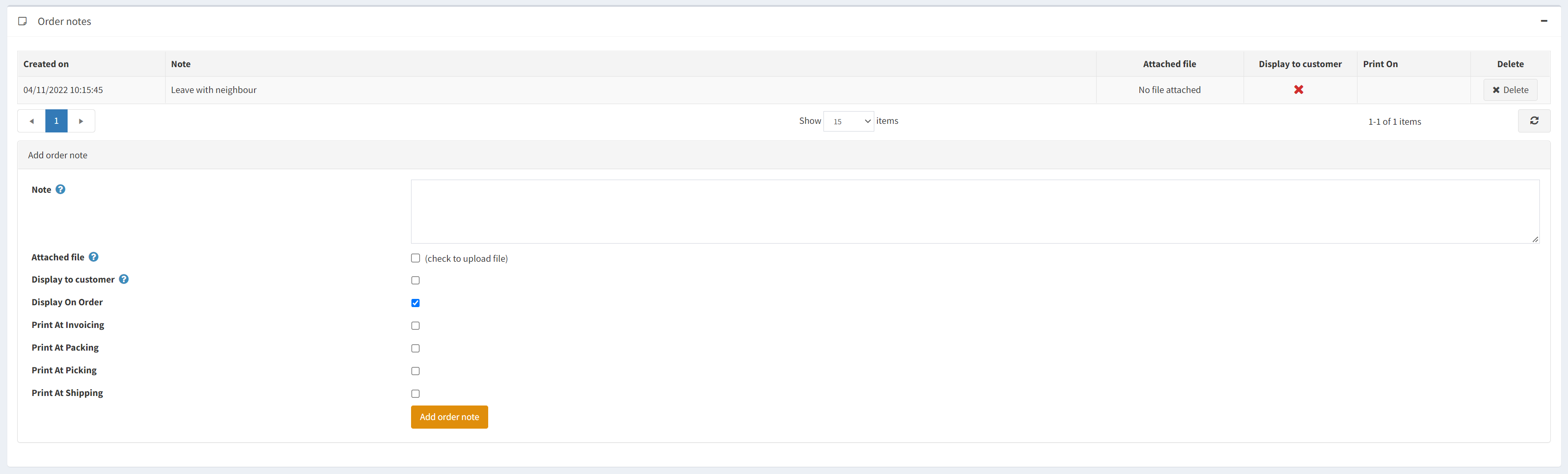
The Order will be placed On Hold and require checking at the bottom of the Order where “Order Notes” tab is located and then passed via the “On Hold Information” tab once you define what to do with the Order Note. E.g.
- Define the Location the Note is to be printed
- Delete the Note