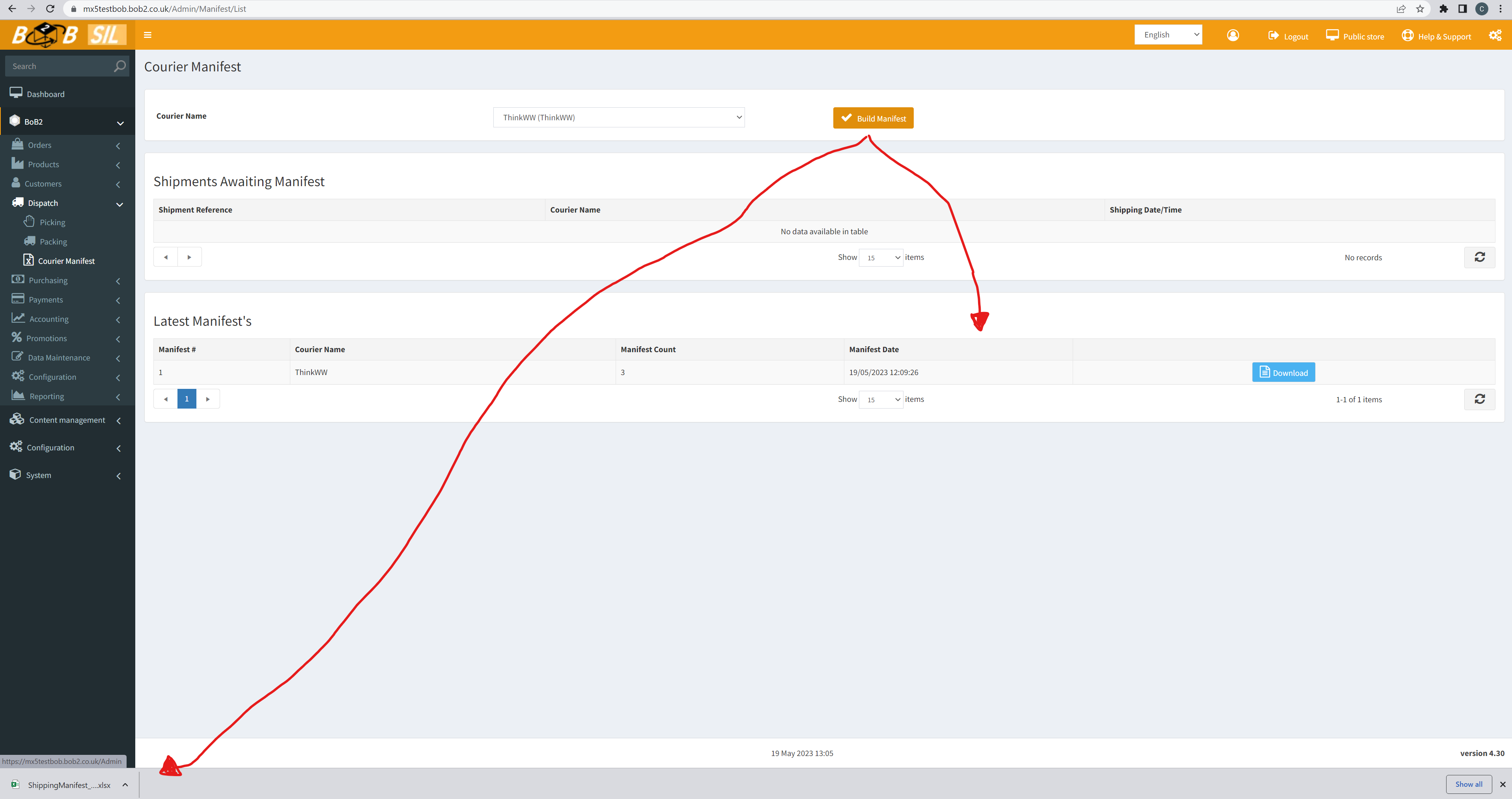
Navigate to BoB2 → Dispatch → Courier Manifest
This will display the Courier Manifest screen…
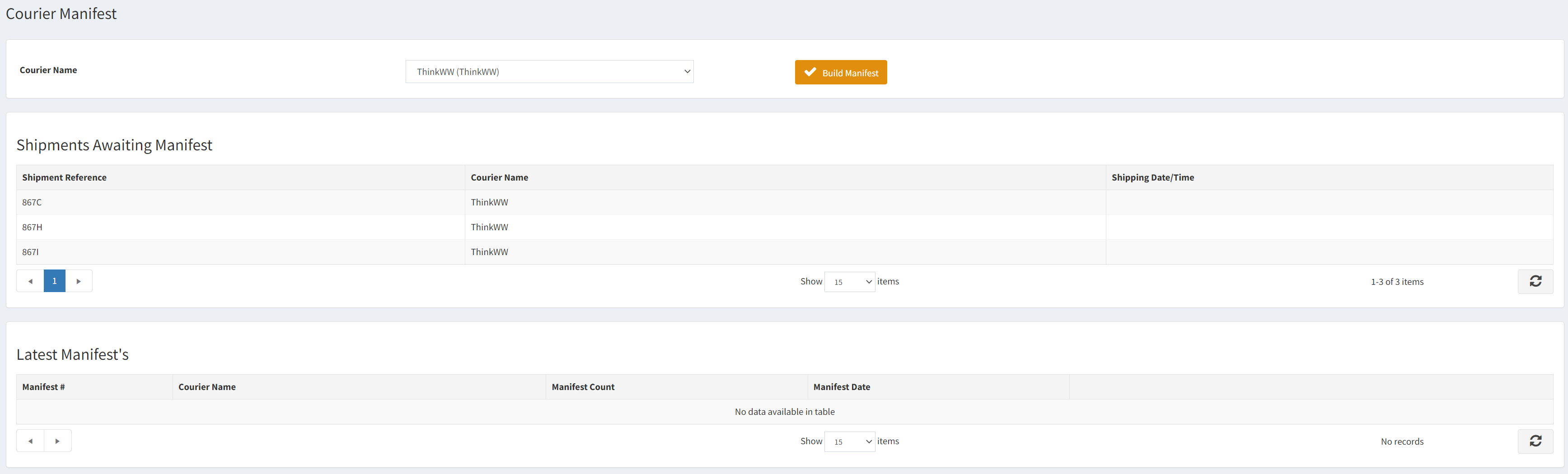
From this screen you are able to create a Manifest for the Couriers in the system. The screen allows you to…
- Select a Courier – which will display the Shipments awaiting a Manifest for the Courier. You can also view the Latest Manifests in the bottom tab. Finally you will notice a “Build Manifest” button is displayed.
- Build Manifest – For the Shipments awaiting Manifest it will mark them as Manifested and will display the created Manifest in the Latest Manifest grid and download an XLS file of the Shipments.
- Download Latest Manifests – Allows you to download previous Manifests as XLS files.