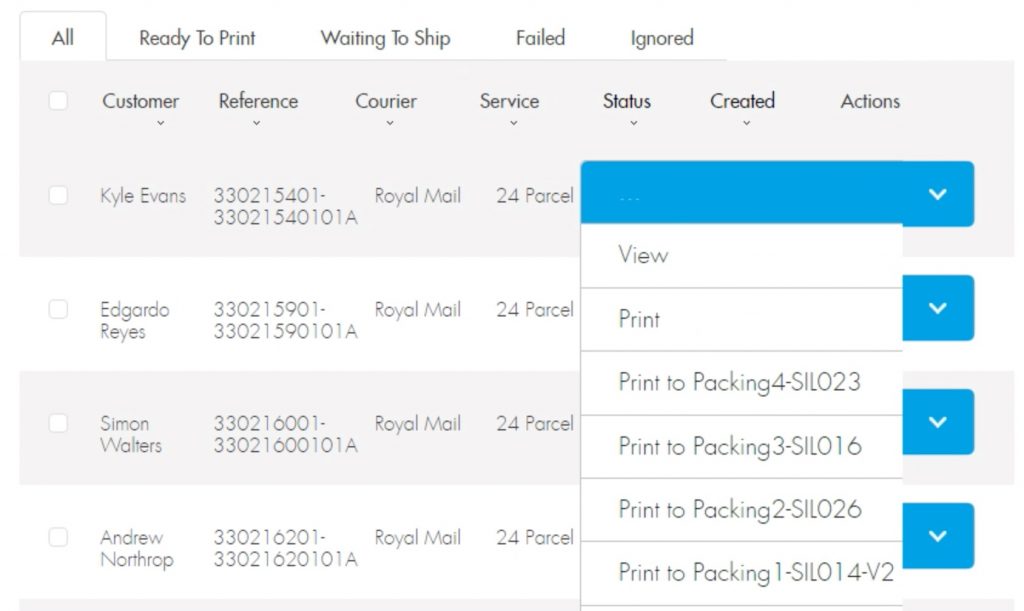
Zebra Printer Printing Preferences need to be configured for use with ShipTheory labels. Below shows the settings and dimensions we used.
The first image displays the version number…

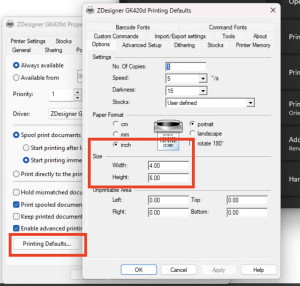
The second image displayed below shows the label formatting settings…
Check every machines’ printer properties (also check on BOBServer for Zebra networked printers)
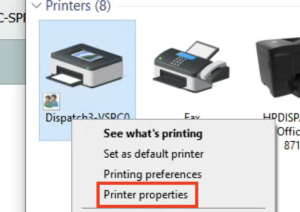
(NEW SETTINGS) remember to check the Advanced > Printing Defaults
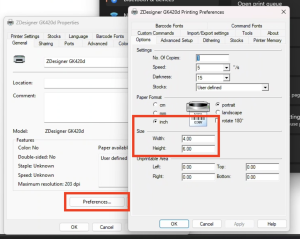
Dont forget to ensure ST Print Client is installed.
Then ensure the client sees the printers & the Zebra printer is ticked.
Ensure the Zebra printer has the correct ST print name (Packing2-SIL026)