
Navigate to BoB2 → Data Maintenance → Categories
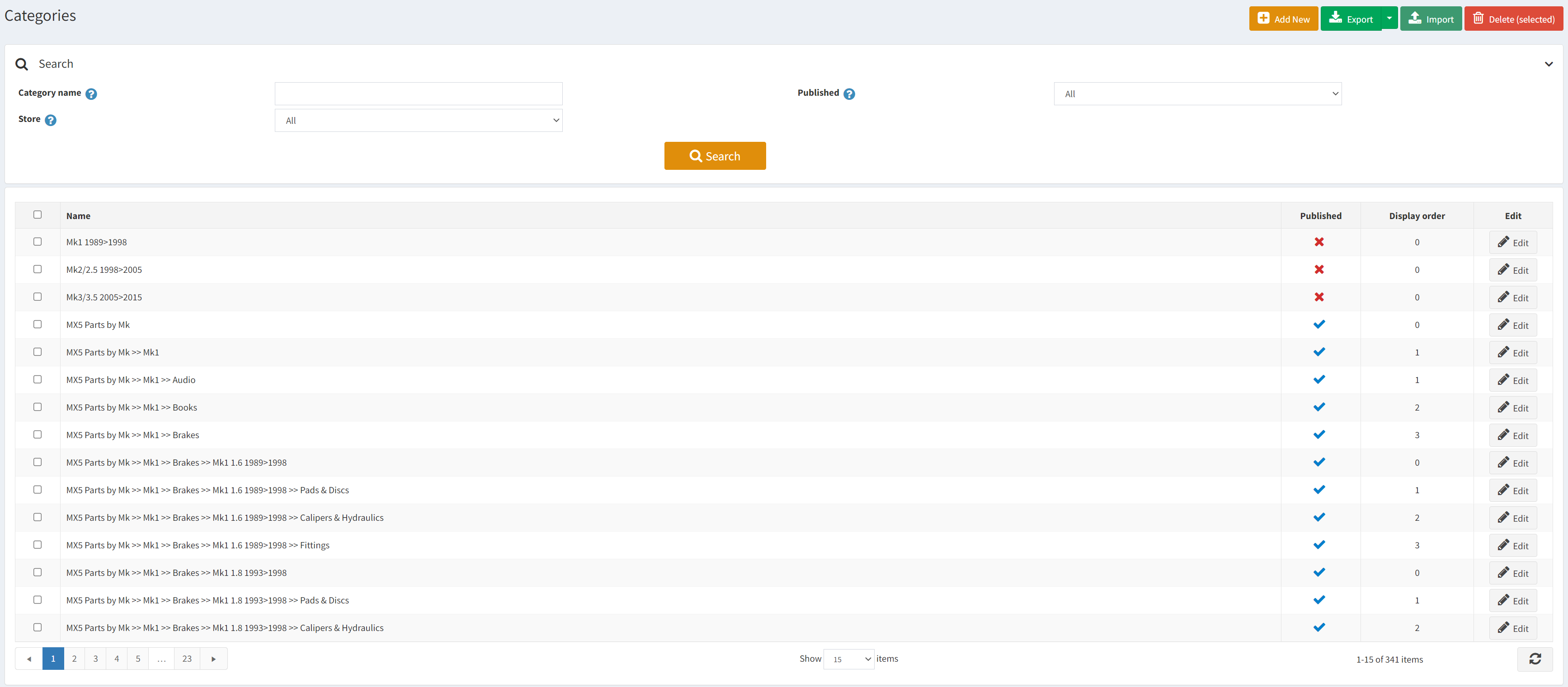
This will display the Categories screen. Here there are a few options to manage a Category…
- Add New – Open the Category Edit screen with blank data for you to create a Category.
- Edit – Displays the Category Edit screen with more details.
- Search – Allows you to filter the list.
- Delete – Allows you to delete the Category.
Category Edit Screen
From this screen you can make amends to the Category using the different sub-menus displayed on the left side.
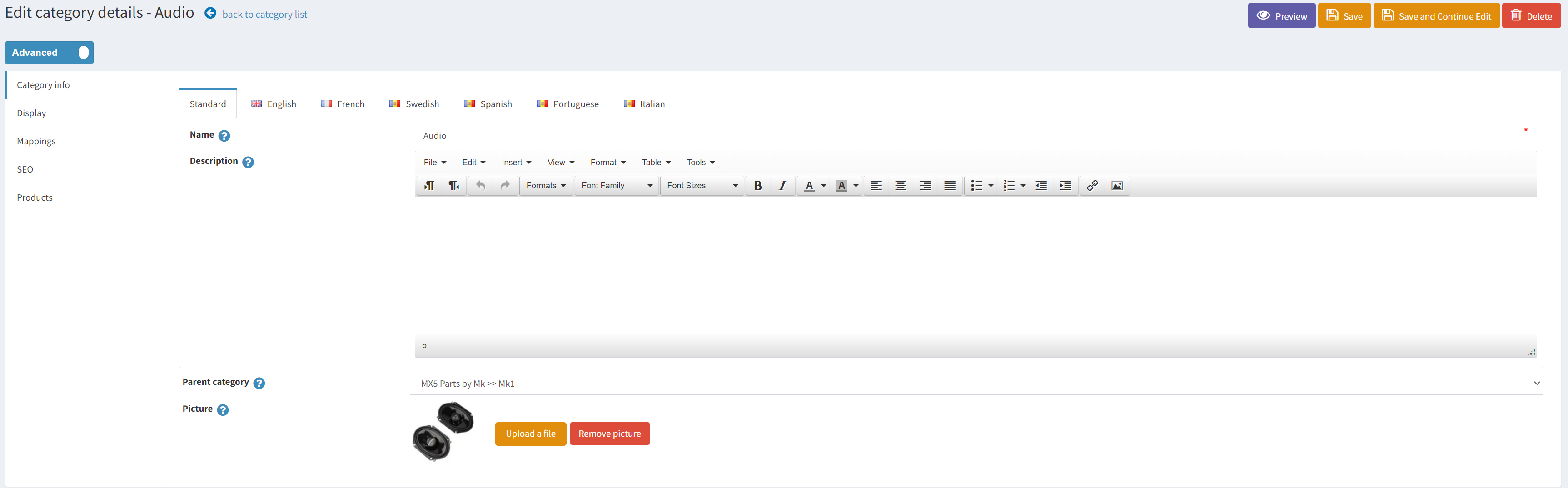
- Category Info Tab – Allows you to change the name, description, parent category and image.
- Display – Display order can be changed here to determine the order it is displayed to the user. Select whether it is published or not, whether it is displayed
- Mappings –
- SEO –
- Products – Shows the Products that are within the Category