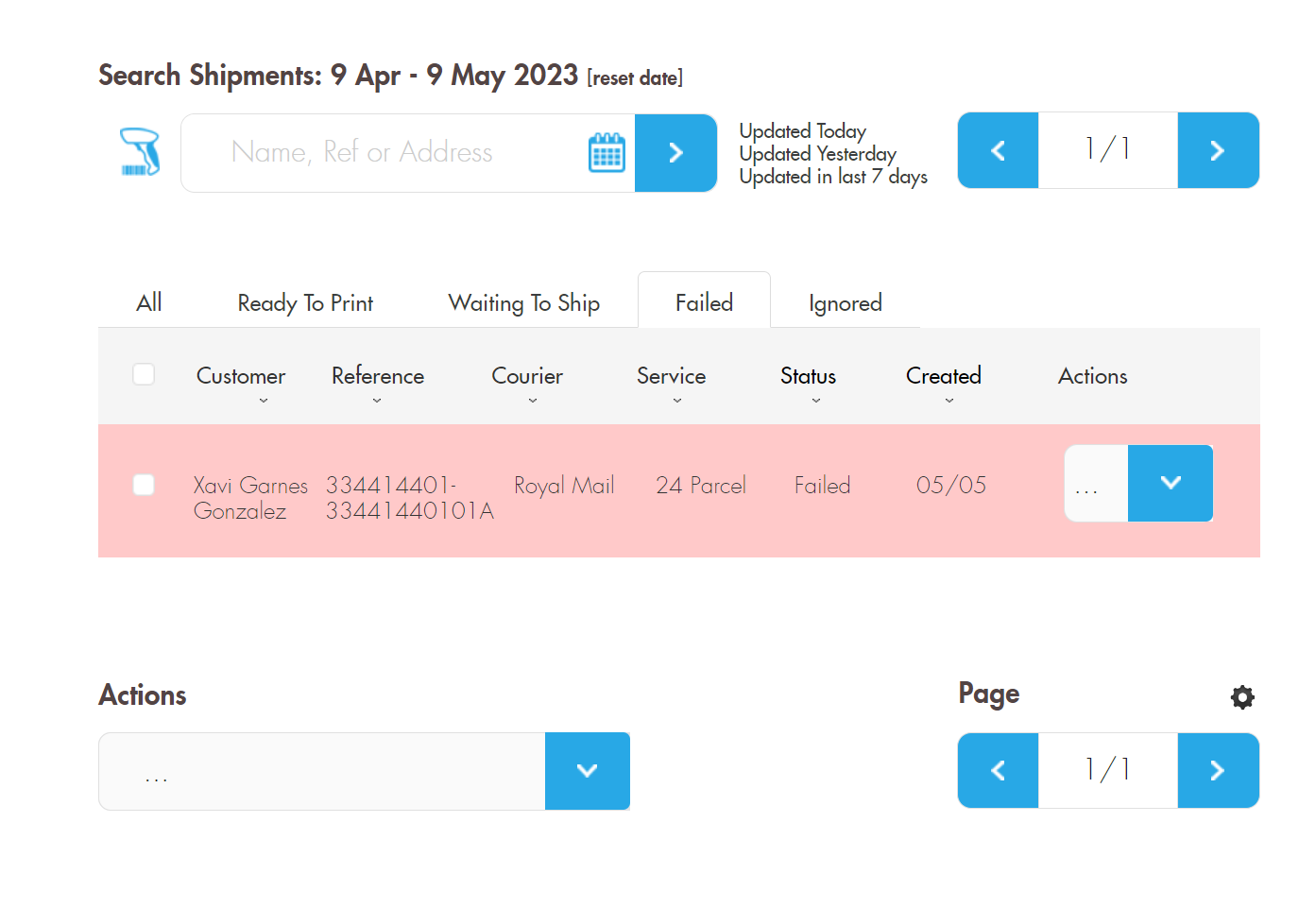
If there has been an issue with the Shipment or a mistake has been made with the Service selection then the Shipment can fall into a Status of “Failed”. From here you can either Rebook or Cancel.
Rebooking a Shipment
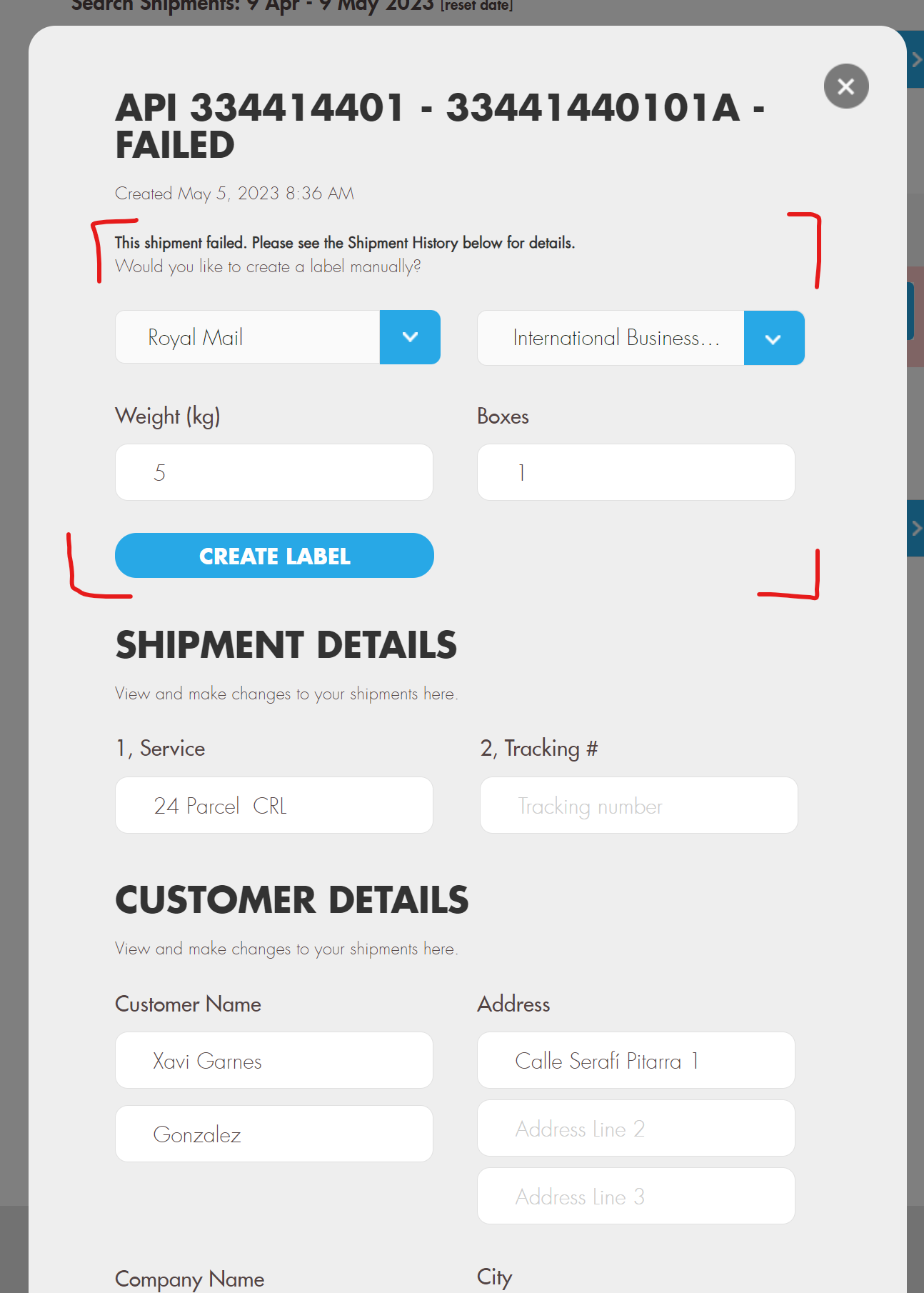
To Rebook a Shipment, you need to find the Shipment via the Failed tab or you can search for the Reference or Customer name in the top bar. When on the Shipment press the right hand arrow and press “View”. This will display the detailed view of the Shipment…
From this Detail view you can define a new Courier and Service at the top and then press “Create Label”. If Successful then it will create the label with a check next to it. Once done scroll down to the bottom and press “Continue”. This will close the view and show the Shipment as being rebooked.
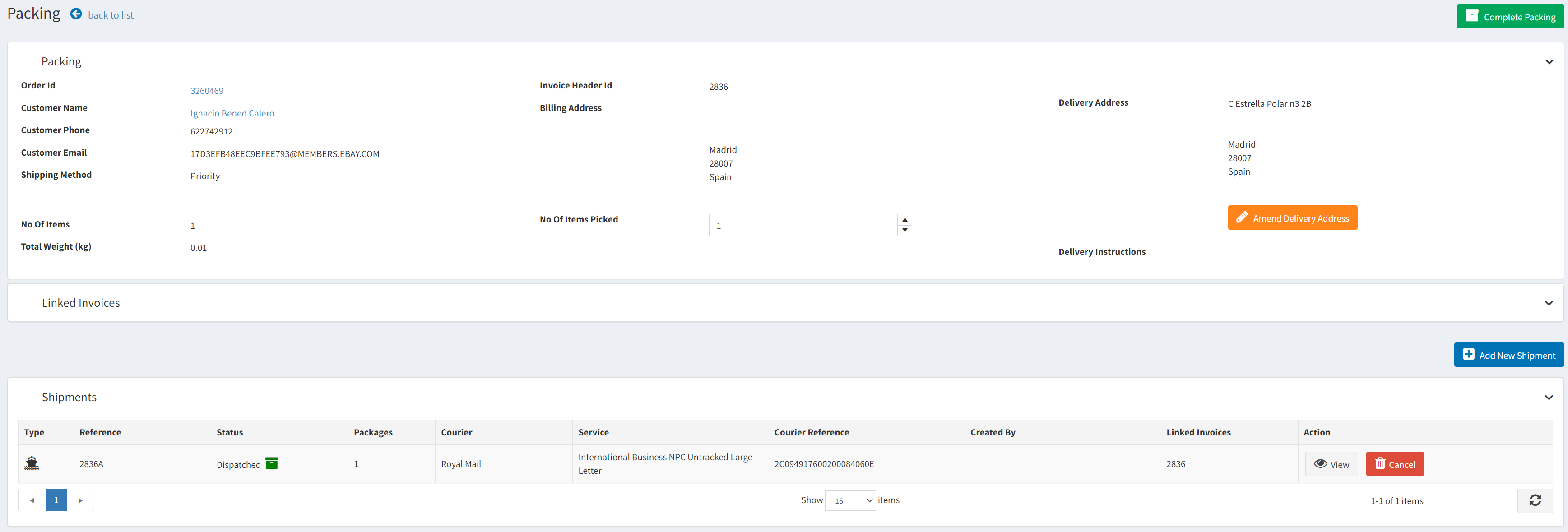
You can now go back to the packing screen and press “Confirm Shipment Details” and the Tracking Reference, and from here you can continue Packing.
Cancelling a Shipment
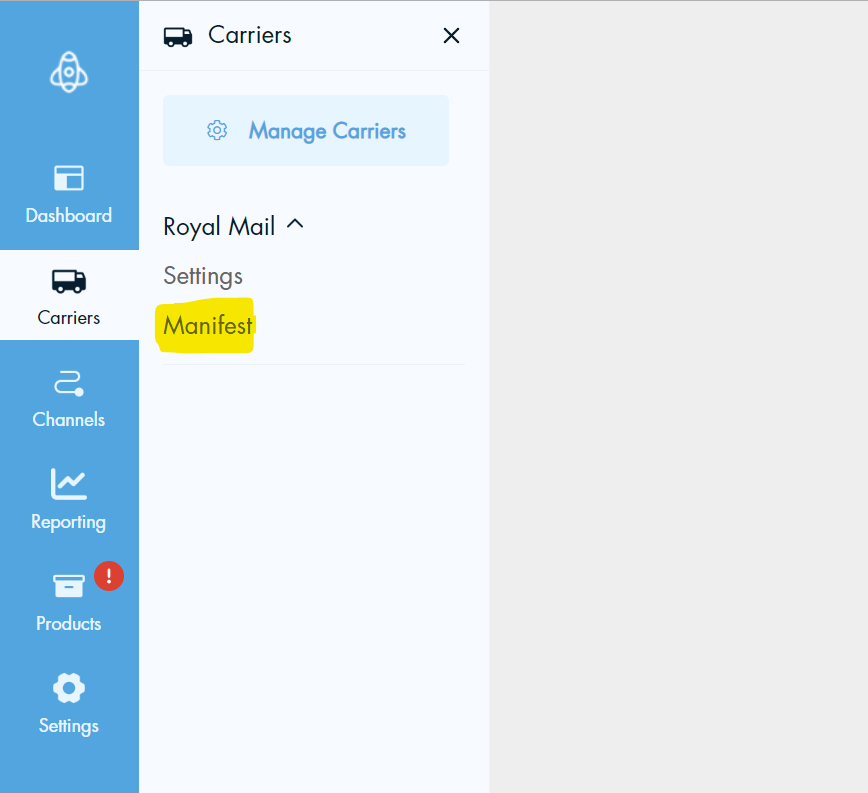
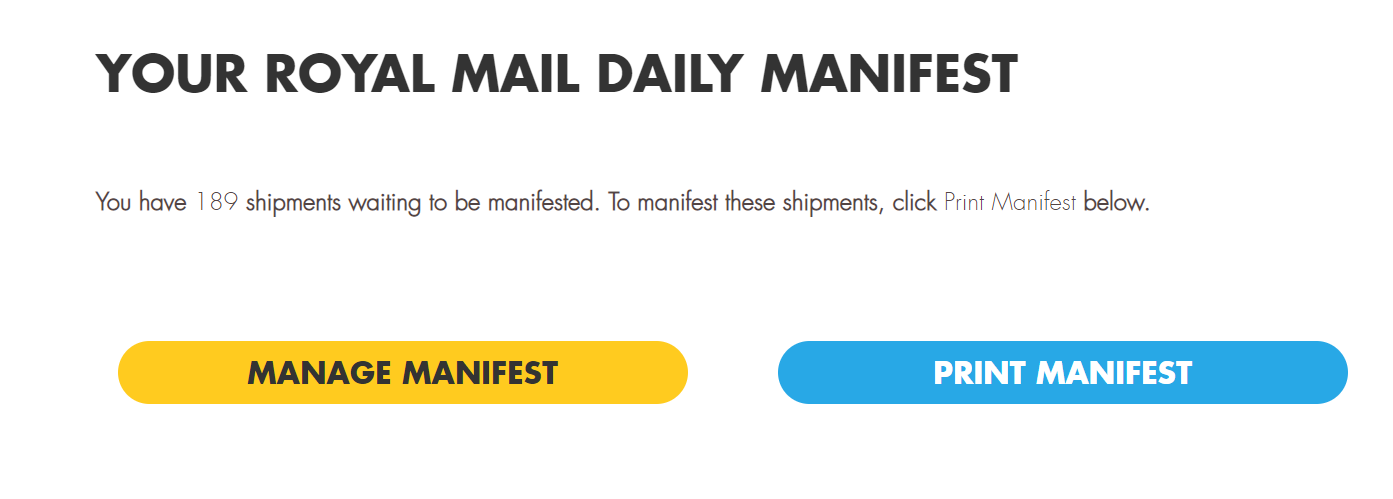
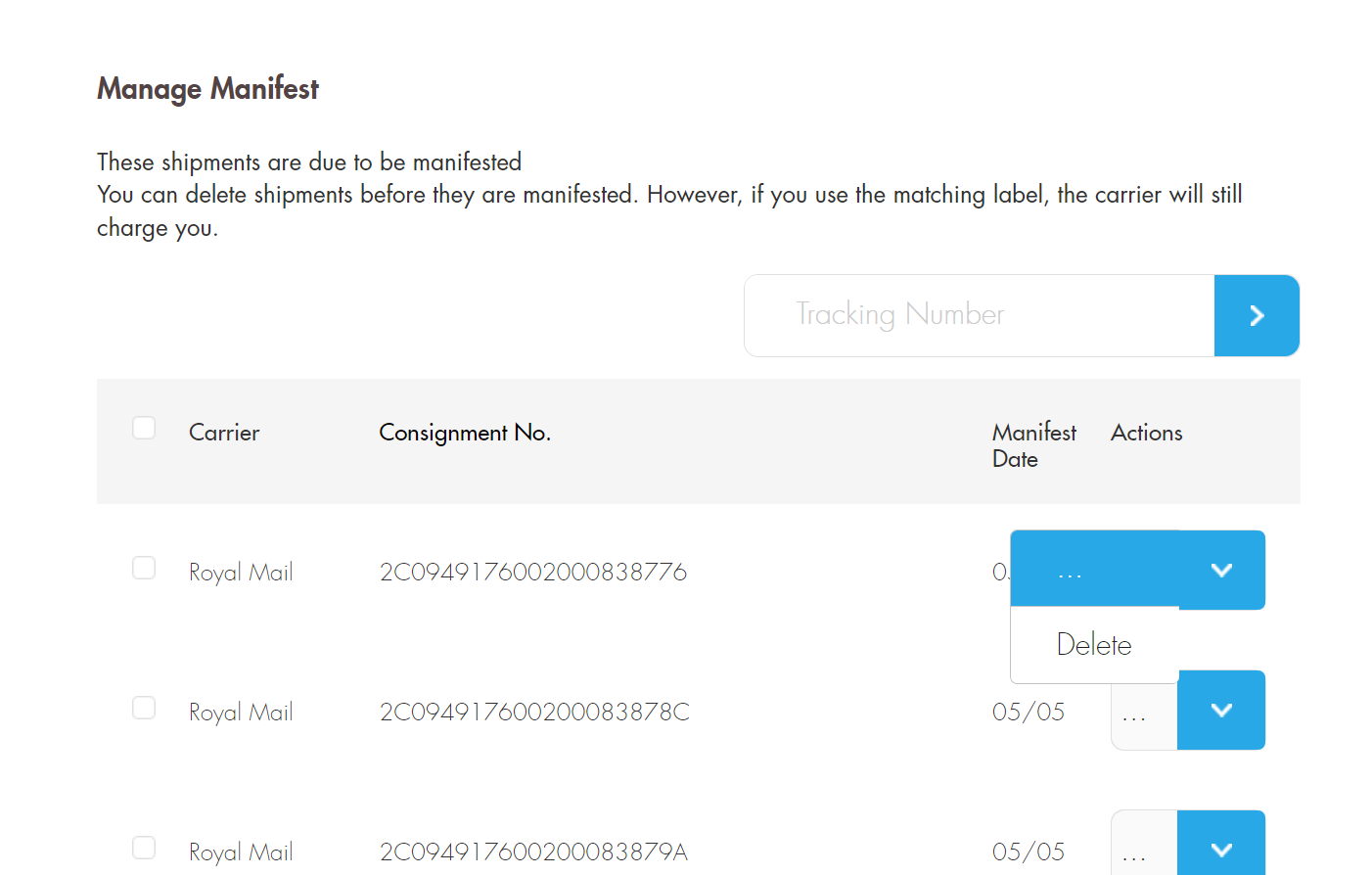
If you want to remove/cancel a Shipment entirely you must leave it in the Failed stats and then remove the Shipment from the Manifest. (Sometimes it can appear here and sometimes it does not, be sure to check and remove if so). You can do this by doing the following…