
To clone a Purchase Order, find a Purchase Order that has Purchase Order Lines against it and press the “Clone” button in the top-right corner of the screen. Once pressed you will be displayed a “Choose Clone Options” popup.

Clone Options
There are 2 different options when it comes to cloning a Purchase order.
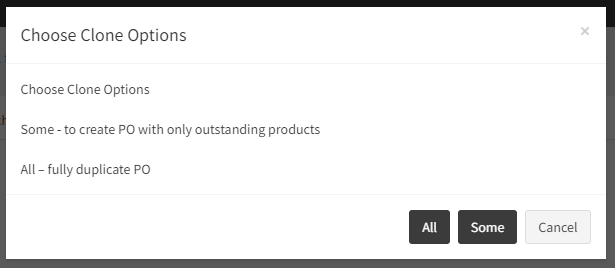
- All – Full Clone is for repeat Purchasing. For example this will copy all of the Products from the Purchase Order to allow you to quickly create a new one. For example, you purchase £100 worth of goods from the same Supplier every month, this would be useful for achieving this.
- Some – Pressing some with result in a Partial Clone. This is where the remaining items that have not been receipted into stock will be copied to a new Purchase Order where you can select a new Supplier for them, redefine the price and enter a different qty. It will also result in Closing the received Purchase Order.